As Of Date Column Filter Types
As of date filters will set the end date depending on the chosen filter. The default Start Date is 1/1/1900 which can be changed as well.
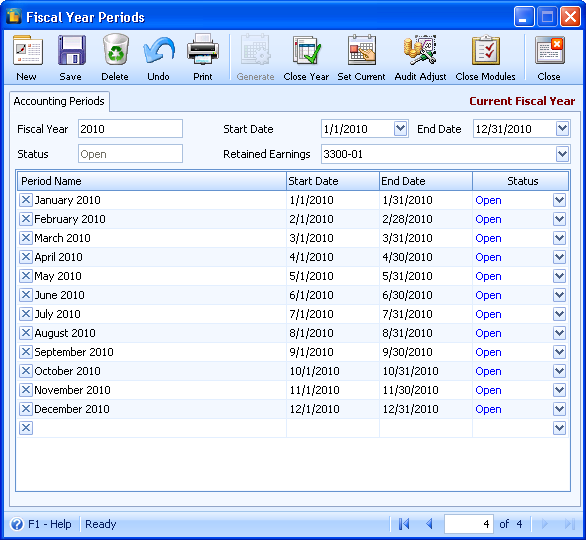
To further understand how the As Of Date filters work, take these date settings and current fiscal year as examples.
Business date is 1/26/2010
Current Period is January 2010.
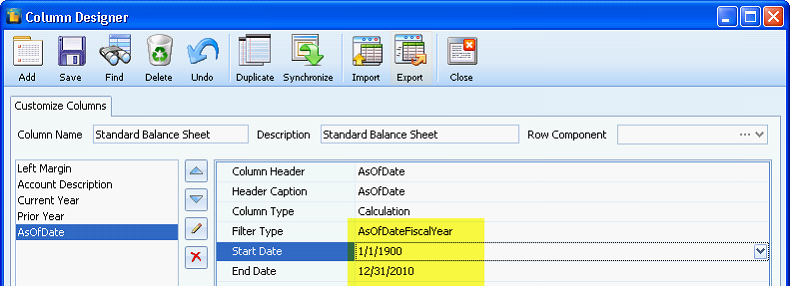
| 1. | AsOfDateFiscalYear – sets the end date to the last day of your current fiscal year |
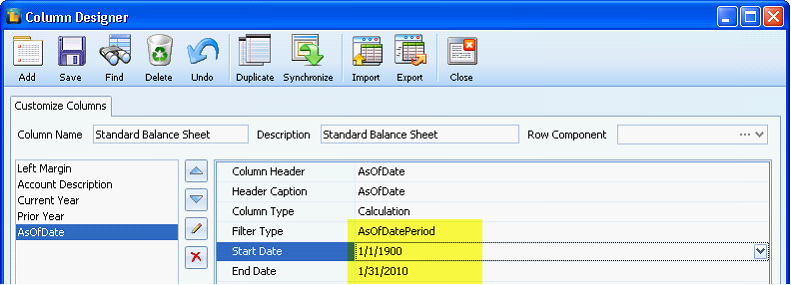
| 2. | AsOfDatePeriod – sets the end date to the last day of your current period |
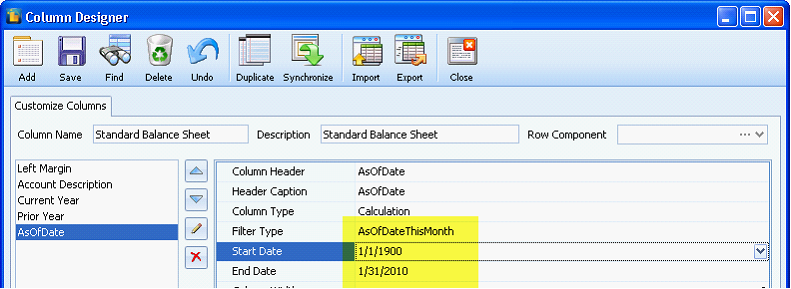
| 3. | AsOfDateThisMonth – sets the end date to the last day of month based on the business date |
| 4. | AsOfDatePrevMonth - sets the end date to the last day of the previous month based on the business date |
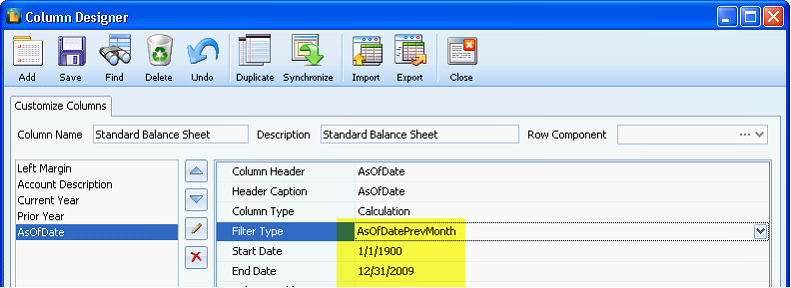
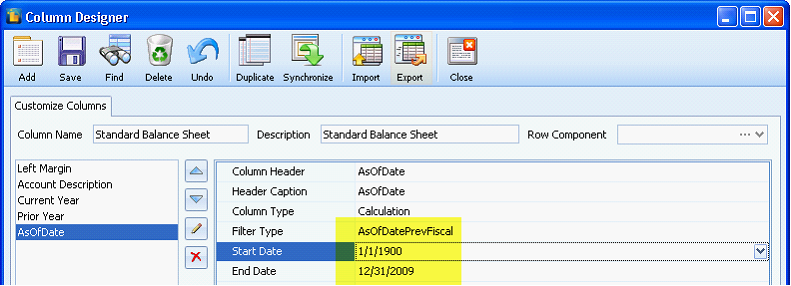
| 5. | AsOfDatePrevFiscal – sets the end date to the last day of the previous fiscal year |
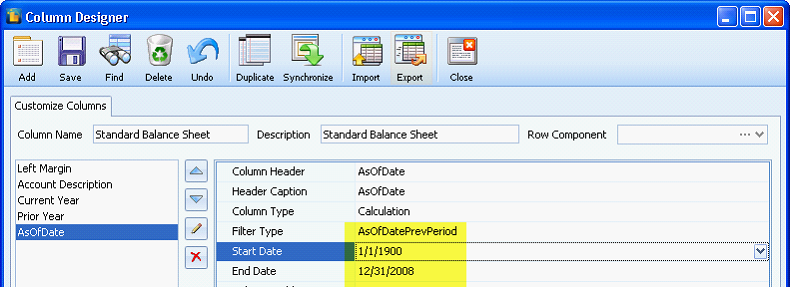
| 6. | AsOfDatePrevPeriod – sets the end date to the last day of the previous period. |
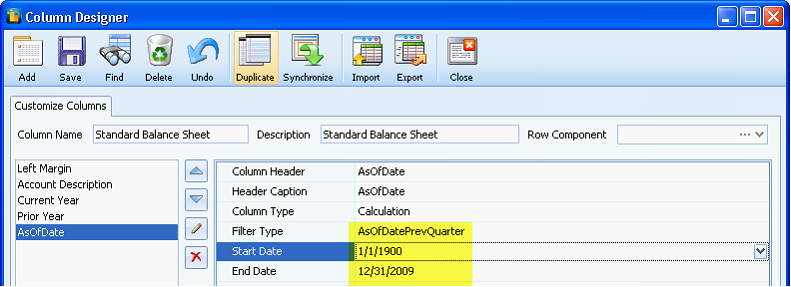
| 7. | AsOfDatePrevQuarter – sets the end date to the last day of the previous quarter. |
| 8. | AsOfDatePrevYear – sets the end date to exactly a year before the business date. |
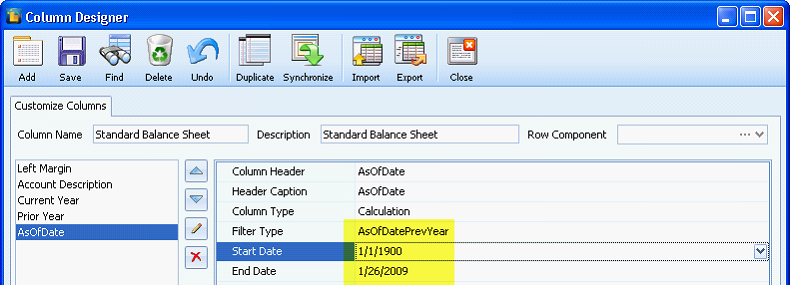
| 9. | AsOfDateNextMonth - sets the end date to the next month based on your business date. |
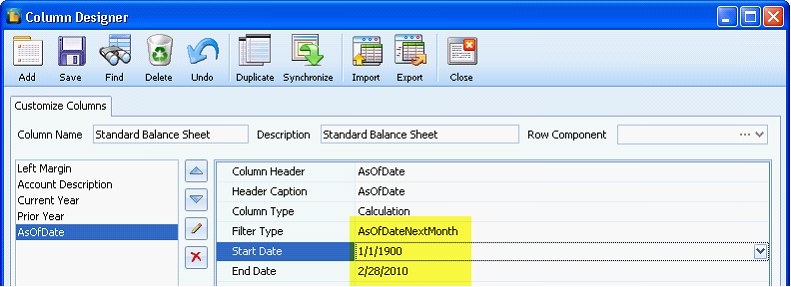
| 10. | AsOfDateNextFiscal – sets the end date to the last day of the next fiscal year. |
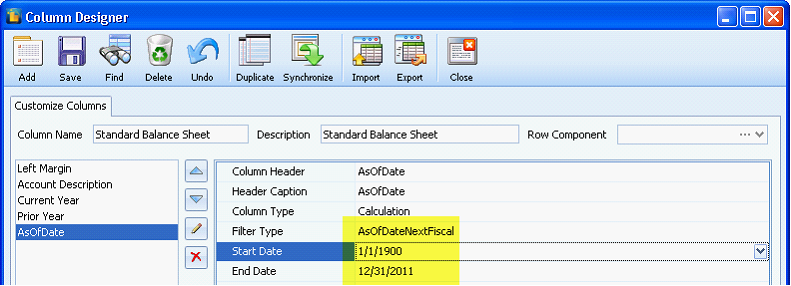
| 11. | AsOfDateNextPeriod - sets the end date to the last day of the next period. |
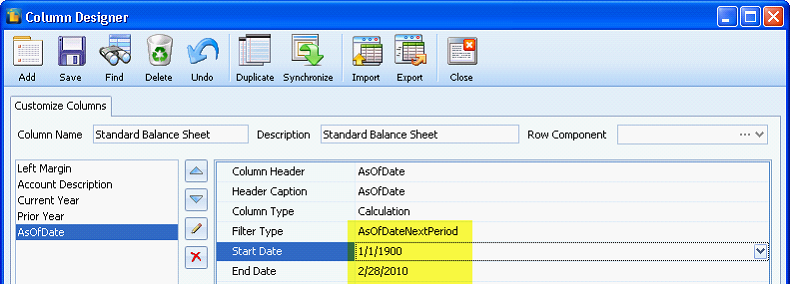
| 12. | AsOfDateNextYear – sets the end date exactly a year after the business date. |
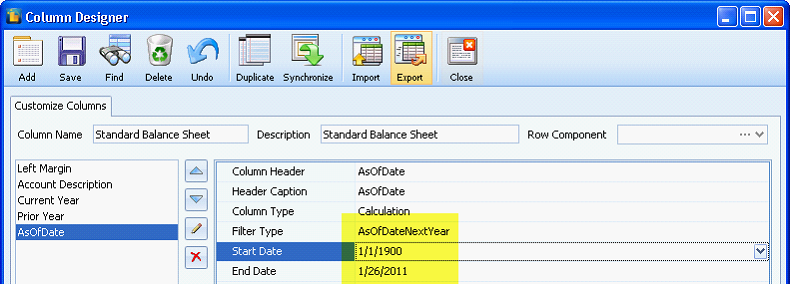
 Note: The date picked from the report settings as of date will have an effect on the end date for these filters.
For example:
If business date is 1/26/2010 but the date on the report settings as of date is set to 12/26/2009
For instance you use the filter AsOfDateThisMonth, end date will display the last day of month based on the business which is 1/26/2010.
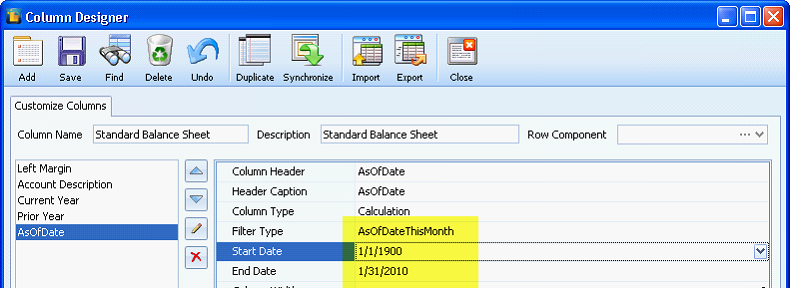
But since the as of date is 12/26/2009, end date will now be adjusted to 12/31/2009. This will be reflected on the values displayed on the financial report.